Goes through your whole Mac. Touches nothing without your yes.
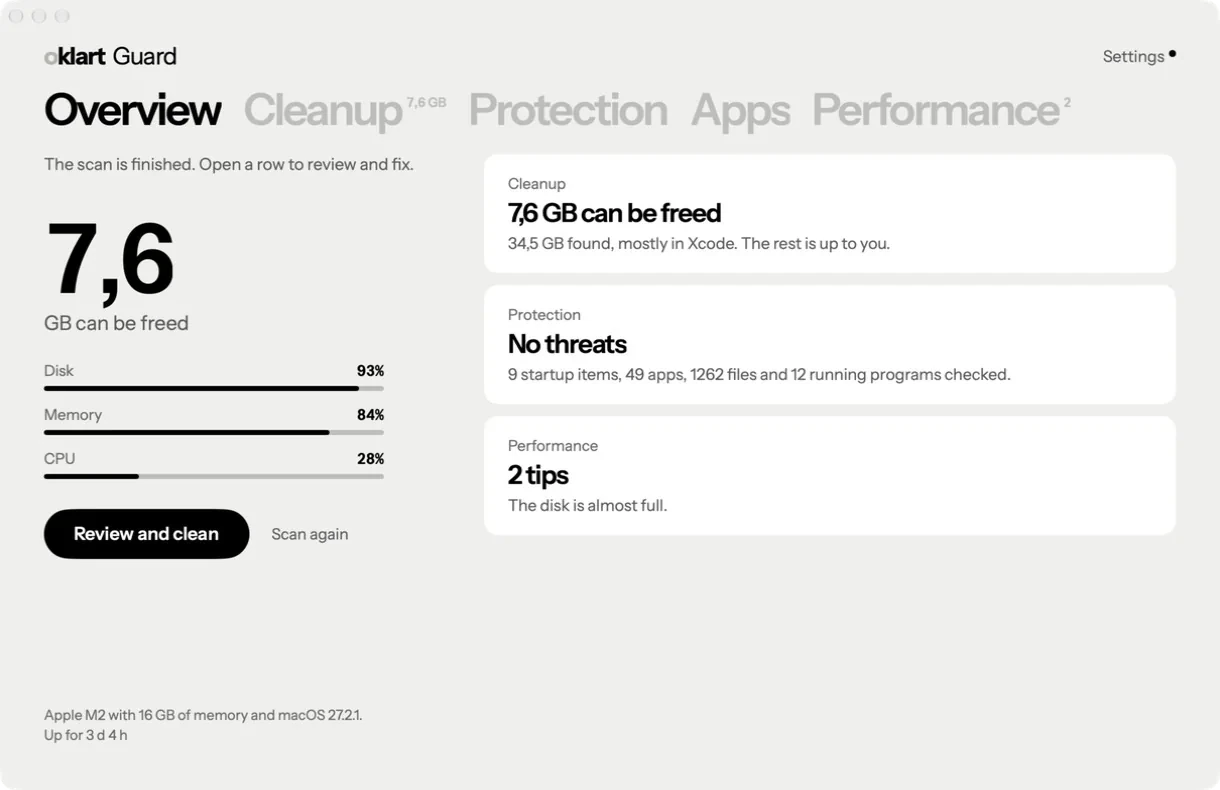
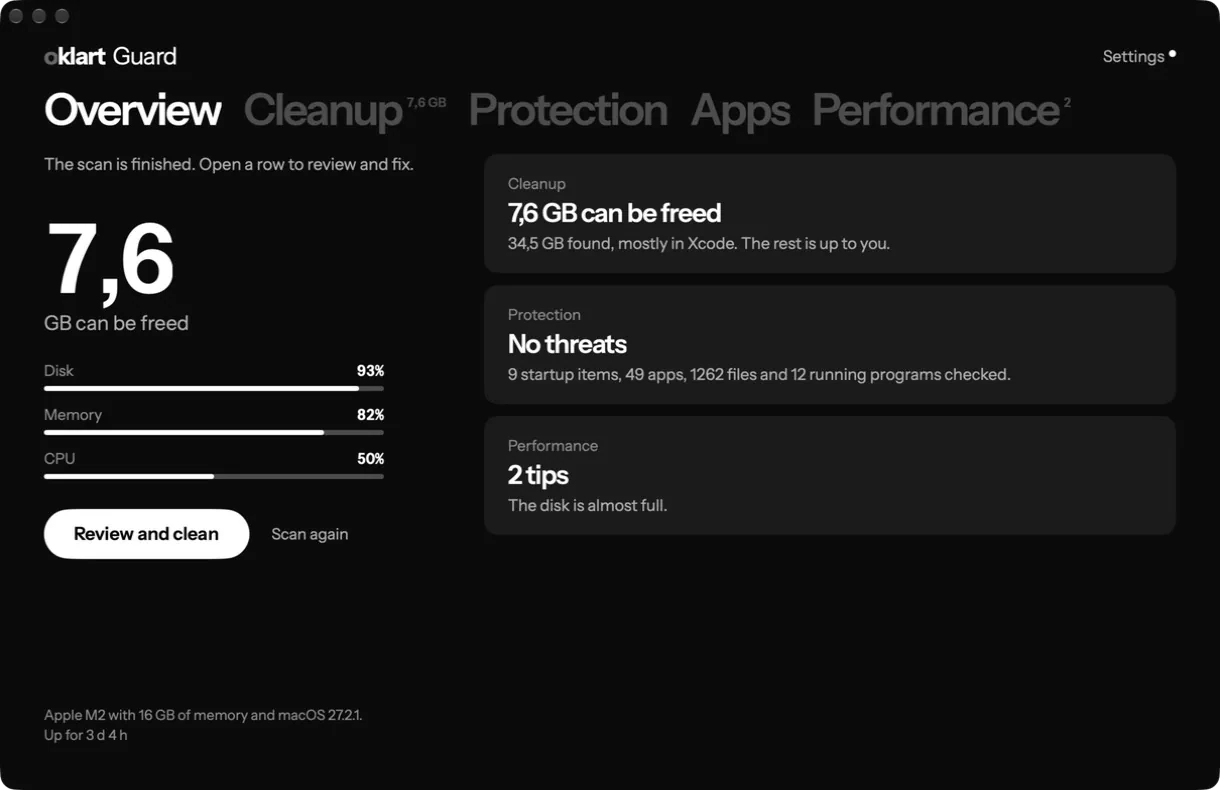
Oklart Guard measures the junk, looks for malware and keeps an eye on how the Mac is doing. Nothing is removed or moved until you have seen it and said yes.
For macOS 14 or later. In English and Swedish; the app follows the Mac's language.
Scanning costs nothing. A subscription is needed to fix what is found.
You see what goes, and what stays
The usual worry with cleaning apps is that something important goes too. So under every item the app says what is removed, what happens afterwards and what is never touched.
- Removed
- Temporary files that apps have saved so they do not have to fetch or work out the same thing again.
- Afterwards
- The apps work as usual. The first launch may be a little slower while the cache is rebuilt.
- Never touched
- Documents, settings and what you have saved in the apps. An app that is running is left alone until you have closed it.
- Removed
- Copies of images, scripts and pages that the browser has saved to load pages faster.
- Afterwards
- Pages you visit often load a little slower the first time. After that everything is as before.
- Never touched
- Logins, passwords, bookmarks, history, open tabs and extensions.
- Removed
- What Xcode has built and saved alongside your projects: build data (DerivedData), simulator caches, previews and debug symbols.
- Afterwards
- The next build of each project takes longer, because everything is compiled again. Swift packages are fetched again, so the first build needs a network connection.
- Never touched
- Your projects: source code, project files, images, Git history and settings. They live in your own folders, not here. Archives of released builds are never preselected.
- Removed
- Packages that npm, Bun, Gradle and other tools have already downloaded and saved so they do not have to fetch them again.
- Afterwards
- The next install or build fetches the packages again. It takes longer and needs a network connection.
- Never touched
- Your projects and what is installed in them, such as node_modules.
The app also measures logs, the Trash, old installer files and large files that have sat untouched in Downloads. What is preselected can be removed without losing anything. The rest is up to you.
Six passes in every scan
The scan reads. It changes nothing. It goes through the Mac in this order:
Traces of known threats
Files and folders that security researchers have documented from known Mac malware.
What starts automatically
Startup items that have no signature, hide, call themselves com.apple without being Apple's, or force a code library of their own into another program.
Hidden programs
Compiled programs hidden in your home folder, in the shared folder or in a temporary folder.
Files, and programs that are running
Downloads, the Desktop, temporary folders and the programs running right now. Every file is compared with more than 150,000 fingerprints of known malware and with rules for what known threats look like inside. Scripts and programs without a known developer are judged by what they are built to do.
Terminal and the system's settings
Commands of the kind that fake error pages ask visitors to paste in. Shell start-up files, scheduled jobs, login scripts, the proxy and the hosts file. Browser extensions planted outside the store, unsigned programs that have been allowed to control the Mac, and configuration profiles.
The apps' signatures
Apps whose signature is broken, whose certificate has been revoked, or that have never been sent to Apple for checking.
New files are checked right away
With real-time protection on, a file is checked the moment it is downloaded, and you are told if something adds itself to what starts automatically.
Quarantine instead of deletion
A finding is moved aside so it cannot run. You can put it back, or delete it for good once you are sure. If the program is running, it is stopped first.
Oklart Guard does not replace the protection already in macOS. The app shows whether that protection is turned on: system integrity, Gatekeeper, FileVault, the firewall, XProtect and security updates.
Uninstall an app with what it leaves behind
Dragging an app to the Trash leaves data, caches and settings behind in the Library. Oklart Guard shows what belongs to the app, so you can remove everything at once.
- Removed
- The app and what it has saved in your Library: data, caches, settings and startup items. You choose in the list.
- Afterwards
- Everything is in the Trash. Put it back from there if you change your mind; the space is not freed until the Trash is emptied.
- Never touched
- Documents you have created with the app, and what is shared with other apps unless you tick it yourself.
How the Mac is doing, right now
CPU, memory, disk, network and battery are read every second.
- What uses the most
- The programs using the most CPU and memory right now. A program that has hung can be quit from there.
- What starts automatically
- Background programs that apps have installed. A program you turn off stays where it is but does not start, and can be turned on again.
- Tips when something is wrong
- The app tells you when the disk is almost full, when memory is under strain or when the Mac is hot, and what lies behind it.
- Maintenance
- Flush the DNS cache, free inactive memory, rebuild the Spotlight index and reset Quick Look.
What leaves your Mac, and what does not
The scan happens on your Mac.
Stays on your Mac
- File names, paths and file contents.
- The result of every scan.
- The quarantine, and the list of findings you have chosen to ignore.
- The app's settings.
This leaves it
- Your account's email address, and which subscription the account has.
- A download of new fingerprints every six hours. Nothing about your files is sent along.
- Anonymous data about programs, but only if you turn it on yourself. In the app you see exactly what has been collected, and can delete it.
This website has no cookies and no tracking. Read the privacy policy